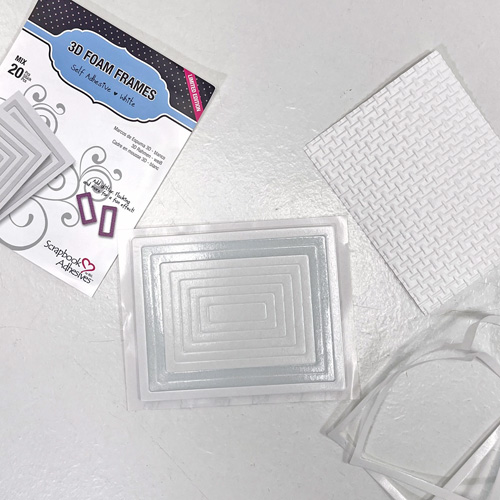
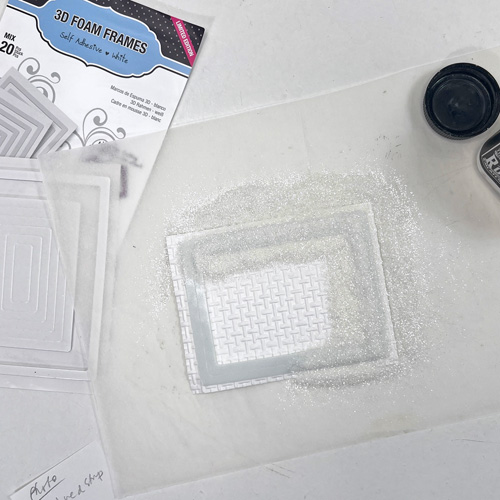
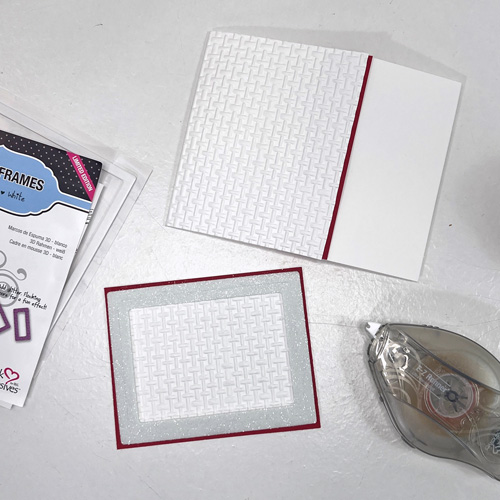
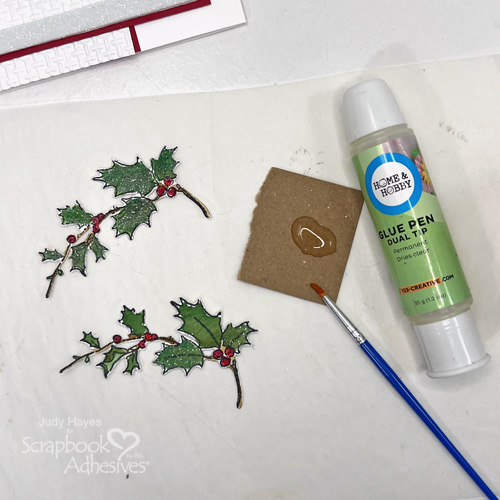
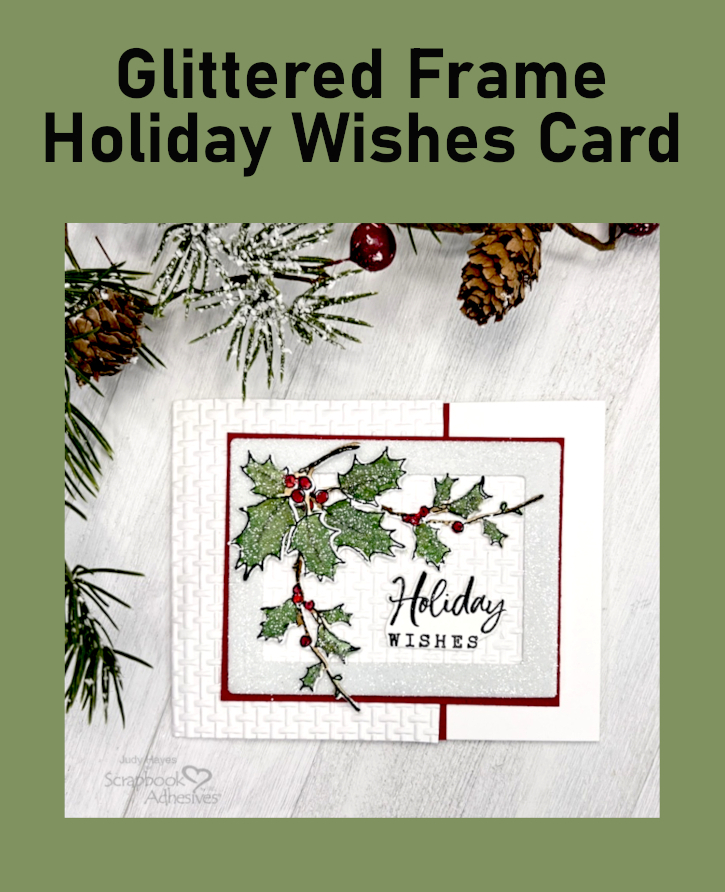
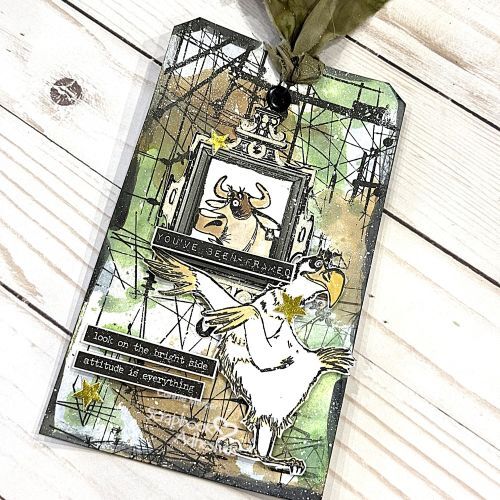
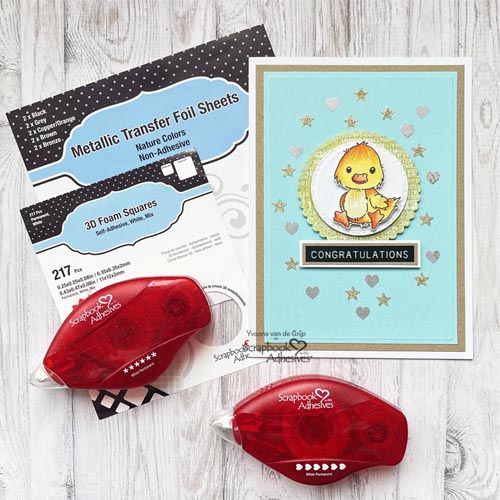
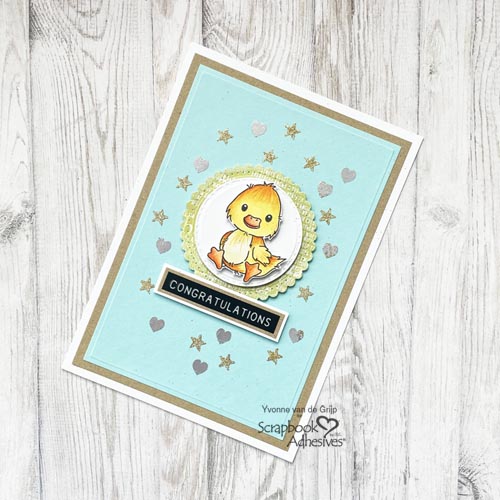
Hi everyone, Yvonne here with a Glittered You are Everything Card. Sometimes you come across patterned paper that is so beautiful that it only needs subtle accenting to make it really stunning.
For my card I used the technique called Wear Your Adhesive on the Outside to add this extra accent. And the great thing about this card…it’s also suitable to create by beginner card makers! Let’s get started!
Top Card Panel
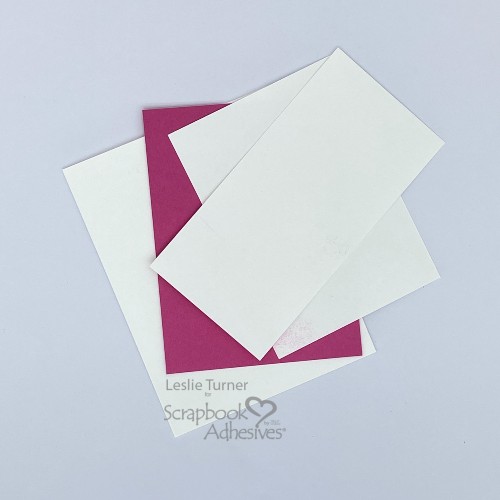
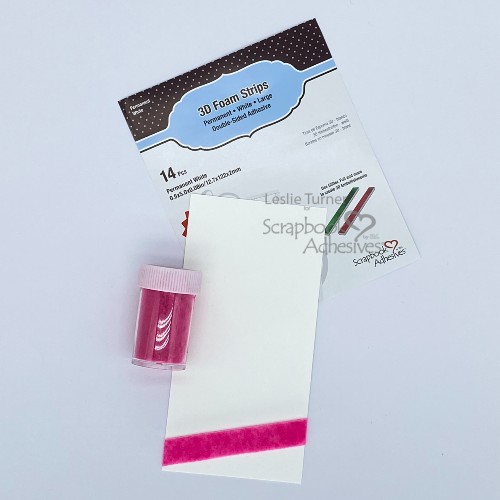
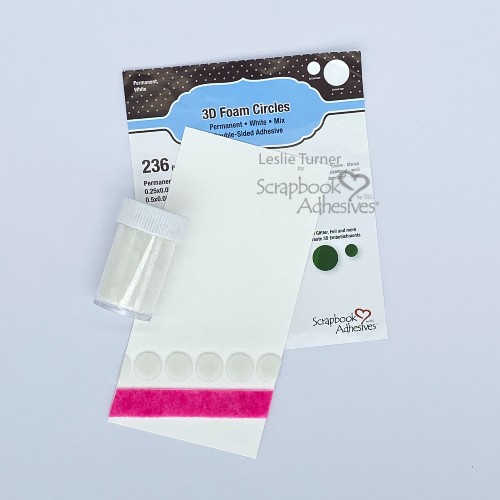
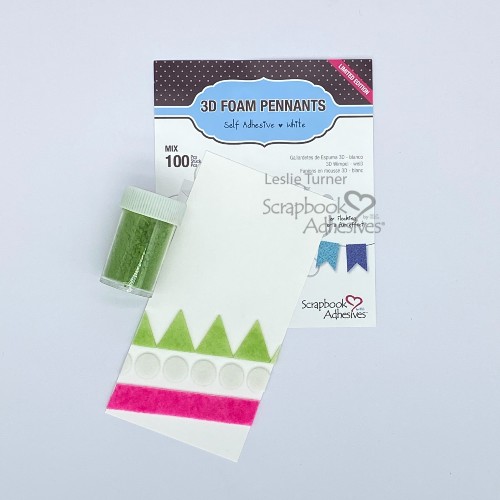
Trim a piece of beautiful patterned paper to a rectangular size. Then add dots and stripes of glue using the Dual Tip Glue Pen. Next sprinkle ultrafine red glitter upon the wet glue and let dry thoroughly.
To create the card base for the Glittered You are Everything Card, first adhere the glittered card panel onto a red card panel using the E-Z Runner® Permanent Strips Refillable Dispenser as your adhesive.
I always like to add a sentiment to my cards. First I cut out the word Everyting from papperned paper and adhered it upon a red banner using the E-Z Runner® Permanent Strips Refillable Dispenser as my adhesive. Then adhered it onto the card using 3D Foam Squares White Mix for a subtile uplifting effect.
Next make the words “you are” using a dymo and adhere onto the card. And voilá, the Glittered You are Everything Card is ready.
I hope you enjoyed this simple tutorial and wish you happy crafting.
Hi, friends! Want to give your sweetheart something special for Valentine’s Day? Teri here to show to decorate a cute little box with a Valentine Foiled Circle Gift Tag and fill it up with an assortment of candies!
You’ll need a small gift box. I used a tiny little Charcuterie gift box I found online, but any small box with a lid will do. Check the party supplies aisle at the store and at your local craft stores too.
Create the Foiled Circle Gift Tag with 3D Foam Circle Frames and Hearts
Remove the top liner of the 3D Foam Circle Frame and apply a piece of red foil from the Metallic Transfer Foil in Celebrate on top with the color side facing you. Rub to transfer the color. Reapply the foil in missed areas. Designer’s Note: I recommend doing just one shape at a time. Repeat the foiling steps with the 3D Foam Hearts.
After trimming around the foiled circle, add a small opening to the tag and thread through some twine. Tie a bow and to hold it in place with an Adhesive Dot Small.
Add Paper and Foil to the Treat Box
Decorate the box base with patterned paper by tracing each side and cut out the panels with scissors. Adhere them onto the box with the E-Z Runner Ultra Strong Refillable Dispenser. To add sparkle, take some Crafty Power Tape and adhere strips of it on one or more sides of the box. Designer’s Note: If your box has angles, you’ll want to adhere a strip to one side.
Remove the top liner of the tape and apply a piece of the same red foil from the Metallic Transfer Foil in Celebrate on top with the color side facing you. Rub to transfer the color. Reapply the foil in missed areas. Done!
Well…almost. Fill your box up with candy and seal it up with a lid. Tie a bow around your box. Finish the box by adding the Foiled Circle Gift Tag with Crafty Power Tape Polybag 81ft. Also, you can use leftover 3D Foam Circle Frames to pop up the tag.
I hope you are inspired by today’s tutorial to decorate a candy box of your own! Thanks for stopping by!
Other: Cardstock: Neenah; Stamps: Concord and 9th (Kristina Werner Happy Love Day Stamp Set); Patterned Paper: Sunny Studio Stamps; Black Ink Pad: Ranger; Ribbon: Offray; Charcuterie Box: Amazon; Twine
Happy New Year, crafty friends! Ali here from FunAdventuresWithAli, and I’m so excited to kick off the new year by sharing a Holly Jolly Merry Happy Layout created with my favorite adhesives from Scrapbook Adhesives by 3L. Adding dimension is one of my favorite ways to bring a layout to life, and today’s project is packed with layers, texture, and festive cheer!
Building the Holly Jolly Merry Happy Background
For this layout, I used an adorable cut file by Paige Evans as the focal point. To give the title plenty of depth and interest, I reached for the Crafty Foam Tape White 13ft., which is perfect for popping up larger elements while still giving you flexibility to cut custom lengths. I backed the cut file using the Santa’s Village collection from Simple Stories, choosing four different patterned papers so each word in the title had its own color and personality. This really helped the title stand out and added a playful, whimsical feel to the page.
Adding Dimension to Embellishments
To add even more dimension and detail, I used the 3D Foam Squares White Mix to adhere chipboard stickers and brads directly onto the title. I absolutely love how the Christmas tree, the snow globe in the center of the word “Jolly,” and the reindeer instantly pop off the page. That extra lift makes such a difference and truly brings the title to life — it makes me smile every time I look at it!
Photo & Journal Placement
For my photos, I printed three larger pictures from our visit to Whoville’s bar, where we stopped to celebrate Christmas. We enjoyed lunch and hot cocoa served in Grinch mugs while soaking in all the fabulous Grinch-themed decorations. By placing the title on the left side of the layout, I was able to comfortably include all three photos without the page feeling crowded or overwhelming.
I added journaling stickers directly to the photos to capture a few special details from the day, and I tucked in a photo tab using 3D Foam Strips to give it a little extra lift and visual interest. These foam products are perfect for creating subtle layers that don’t overpower your design but still add that finished, professional look.
Final Touches
To complete the layout, I sprinkled enamel dots around the top and bottom of the title cut file. This helped guide the eye across the page and tied everything together nicely while adding a touch of shine and texture.
I truly love how this layout came together, and Scrapbook Adhesives by 3L made it so easy to add dimension and stability to every element. Their foam adhesives are a must-have in my craft room, especially when working with detailed titles and layered embellishments.
Thank you so much for stopping by today! I hope everyone had a wonderful holiday season. Wishing you all a happy, healthy, and creative 2026.
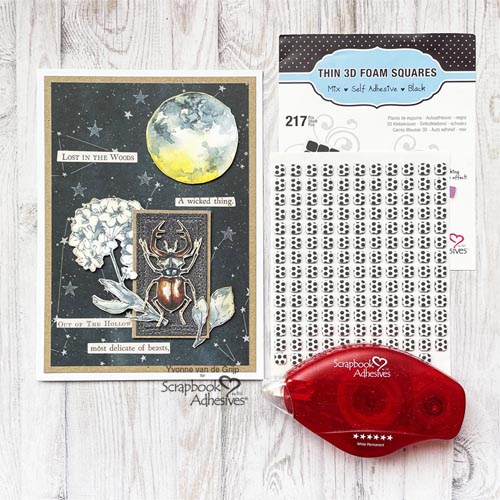
Much love and thanks for visiting! Ali Skifton (FunAdventuresWithAli)
Happy New Year, all! Did you know that 2026 is the Year of the Horse? Hi, Margie here today! I am sharing a 2026 Year of the Horse Card featuring 3D Foam Creative Sheets Small White to customize my focal point.
Create the Horse Focal Point
After looking at several different designs on how to paper piece a horse’s head online, I created my design with the help of craft dies to fussy cutting to my measurements and designs. What do you think?
Then I added several circle rings from the 3D Foam Circle Frames White to the back to lift it up on the card front. Set aside for later assembly.
After die-cutting the numbers, I removed the top liner and place a piece of foil (color side facing you) over the exposed adhesive. Rub to transfer the color and peel off to reveal the sparkle! Super easy with no special tools needed. Reapply foil in missed areas. Repeat these steps with the other numbers.
Happy New Year Sentiment Strip
Using a piece of gold mirror cardstock, I letter-pressed a sentiment with black ink and die-cut it with its matching die. Loved how it turned out!
Building Layers
Cut two panels: 4 7/8 x 6 7/8 inch in gold mirror cardstock and 4.75 x 6 75 inch in black cardstock. Designer’s Note: Use an embossing folder to the black cardstock panel for texture and interest. Make sure to lightly mist the panel with water for a deeper embossed design.
Determine your design by placing your elements on the card front. Peel off the liners from the back and adhere to the card front. Tuck the 2 under the horse design (I used it as the zero). The Happy New Year sentiment was adhered with a combination of the 3D Foam Strips and the E-Z Runner® Grand Permanent Dots Refillable Dispenser.
Give this idea a try on other occasions such as anniversary, birthdays, graduations…so many ideas! Wishing you all a wonderful and better year in 2026!
Hi, Judy here today! Here’s a fun Snowman Warm Wishes card to brighten someone’s cold winter day! These snowmen are fun to color and look great on an embossed snowflake background. A touch of glitter adds sparkle.
Card Base
From white cardstock, cut 9 x 6.25 inch rectangle, score and fold to make 4.5 x 6.25 inch card. Use snowflake embossing folder to emboss 4.25 x 5 inch white cardstock.
After stamping my greeting with black ink and white cardstock, I trimmed it to a sentiment strip with ribbon tails on each end. It was matted by a slightly larger and similar colored shape with the E-Z Runner® Ultra Strong Refillable Dispenser.
Stamp the snowman image twice with black ink and white cardstock. Watercolor them with the Distress Pencils. On the second stamped image, color the jacketed individual snowman. Fussy cut around snowmen group including snowy area at bottom and the individual snowman.
Assemble the Snowmen Warm Wishes Card
Place pieces of Crafty Foam Tape White 108ft on the back of the snowmen piece, peel off liners and secure it on the card. Add pieces of Crafty Foam Tape White 108ft on the back of the individual snowman, peel off liners and place it over same snowman.
Place piece of Crafty Foam Tape White 108ft on the back of the matted greeting, peel off the liner and adhere it to the card front.
Add Sparkle with Glitter
Squeeze out small amount of glue from Dual Tip Glue Pen on a scrap piece of plastic or non stick craft mat. Use a small brush to apply the glue along the snowmen feet, cover it with glitter, and shake off excess. Add glitter as desired to snowmen hats, bodies and carrot noses using same technique. Also brush glue along edges of greeting, cover with glitter and remove excess. Designer’s Note: Wash brush immediately to remove glue.
I hope you enjoyed my Snowman Warm Wishes card tutorial. Use some of these cardmaking ideas on your next card project! Keep warm!
Hey everybody, happy Saturday – I hope you have something fun planned this weekend! As we head into a new year, I keep asking myself where did THIS year go?! Leslie here, sharing a perpetual calendar with you today. I’m so stinkin’ excited to create a calendar full of bright Doodlebug Design patterned papers and fun embellishments. It’s exactly what we need for the new year, right?! Let me show you how I made this one!
Days of the Week
Firstly, I stamped the week days in black ink on white cardstock and cut them with a label die in my stash. Had to improvise a bit with three of them that were too long for the label die. Stamped and then copied them at a reduced percentage which worked like a charm.
Next, I cut seven panels of heavyweight black cardstock from my stash at 2″ x 2-1/2″, and rounded the bottom corners of all the pieces. Also cut seven slightly smaller panels from different colors of Doodlebug Design textured cardstock. Also Used the E-Z Runner® Grand Permanent Strips Refillable Dispenser to adhere the panels and the week day labels. The final step was punching holes at the top with a binding machine.
Months of the Year
Secondly, I used dies in my stash to cut the months of the year from black cardstock. Similar to the previous step, I adhered 12 Doodlebug Design patterned paper panels to 12 black cardstock panels cut at 2-1/2″ x 3-1/2″ using the E-Z Runner® Grand Permanent Strips Refillable Dispenser. Then I punched the binding holes at the top.
Dates in the Month
Thirdly, using dies in my stash, I cut numbers from black cardstock to represent the dates in the month. As before, I adhered 14 white Doodlebug Design panels to black cardstock panels cut at 1″ x 2-1/2″ using the the E-Z Runner® Grand Permanent Strips Refillable Dispenser. The Dual Tip Glue Pen was used to adhere the numbers to the panels.
Seasonal Icons
Fourthly, I cut more Doodlebug Design textured cardstock panels in various colors for the seasonal icons. Once again, using the E-Z Runner® Grand Permanent Strips Refillable Dispenser, I adhered these panels to black cardstock panels cut at 1-1/2″ x 2-1/2″. Quite a few Doodlebug Design Doodle-Pops and Shape Sprinkles were chosen for these tabs.
Finally, I cut the perpetual calendar base from the heavyweight black cardstock. Simply adhere a 7″ x 11″ piece to a 4″ x 11″ piece which yields an 11″ square base. Score the larger piece at 4″, 5″ and 6″ on the long side prior to adhering the two pieces. Valley-Mountain-Valley fold the score lines and burnish with a bone folder. This creates the bottom of the base. Designer tip: If you have 12″ x 12″ heavyweight cardstock 130# or higher, you only need one piece trimmed to 11″ square. Added Doodlebug Design patterned paper panels and scalloped border elements, and then punched the binding holes.
Finishing It Up
After placing all the tabs in the correct order on the wire, I closed the binding wire and the calendar was complete. This was definitely a fun project and such a joy watching it come to life!
Cardstock: Neenah Classic Crest 130# Epic Black and 80# Solar White cardstock Paper: Doodlebug Design Summer Fun and Farmhouse 12×12 Textured Cardstock; Summer Fun and Farmhouse 12×12 Paper Packs; Horn A Plenty and Tropical Trio Doodle-Pops; Fall Flurry, Island Tropics, Summer School and Feathered Friends Shape Sprinkles Stamps: Stampin’ Up Day To Day Stamps Ink: Versafine Onyx Black Dies/Punches: Inspired By Stamping Fancy Label Dies 1, Sizzix Calendar Months Thinlits, Lawn Fawn Center Picture Window Card Add-On Dies, Kadomaru Pro Corner Rounder Accessories: MISTI Stamp Tool, Big Shot, Zutter Bind-It-All with 1/2″ Black Wire
Hi, friends! Do you have someone with a birthday coming up? Teri here to show you how to make some quick, Colorful Birthday Card Duo to send some birthday cheer!
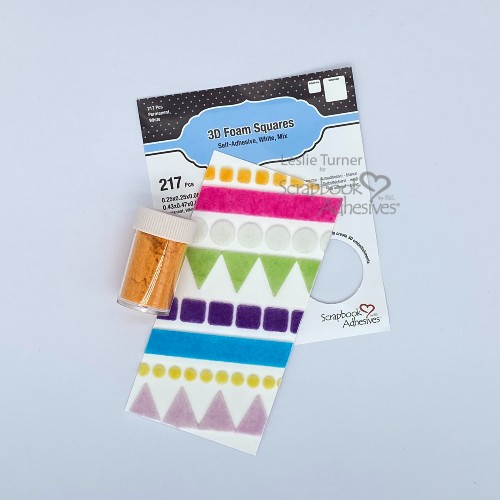
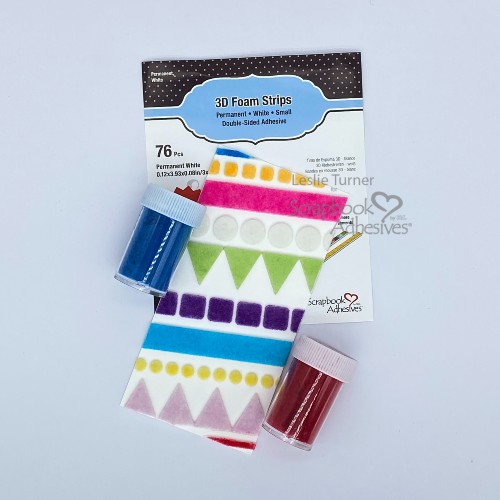
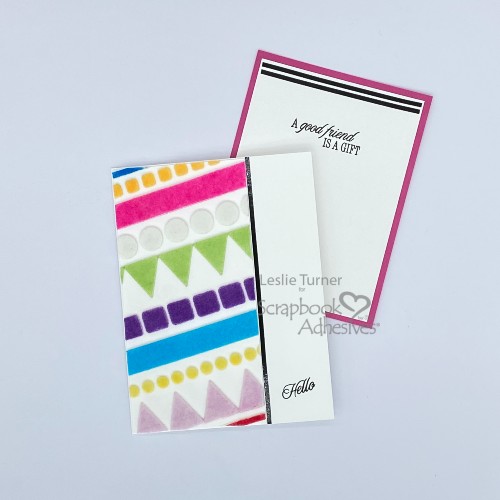
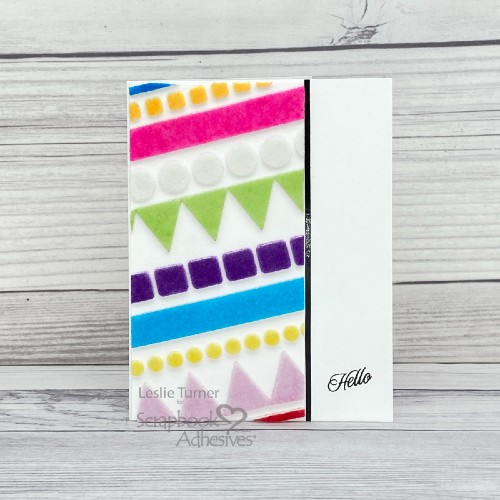
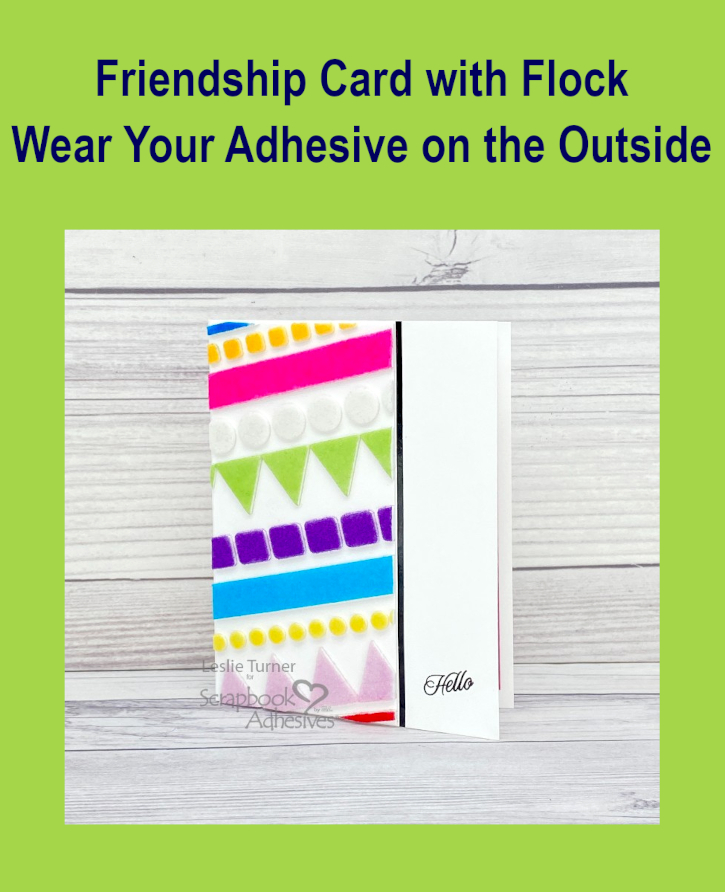
These cards came together quickly by using premade embellishments and then creating some of my own with 3D Foam Products and flock!
Make the Birthday Card Duo Base
Create a card base for as many cards as you want to make from white cardstock. Pick several birthday-themed die-cuts and patterned paper pieces and line them along the edge of each card. Be sure to cut off any excess. Add a strip of patterned paper along the edge of the cards, too!
Add 3D Foam Strips and Squares
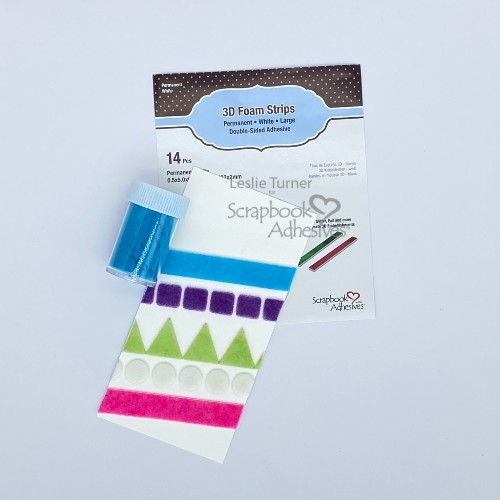
Place 3D Foam Strips along your patterned paper strip. If your foam strip is too small, just line it up with another strip.
Look at your card’s open space. Take a generic shape, like the 3D Foam Squares, and randomly adhere them in the open space. Don’t be afraid to take your scissors and cut your shapes in half to work with your design.
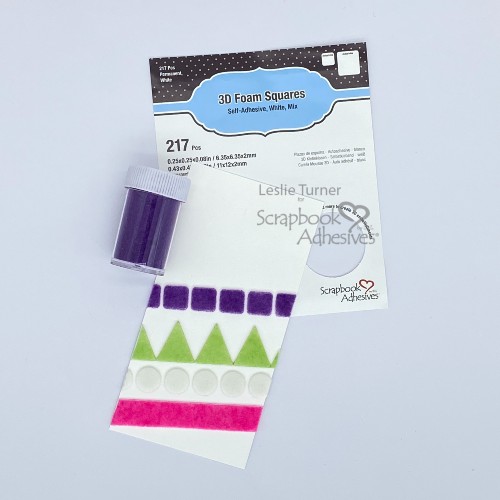
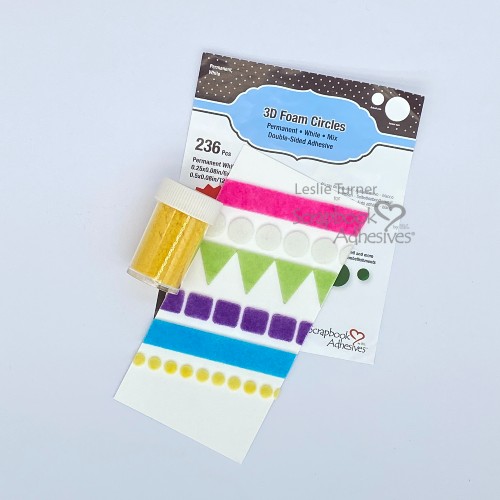
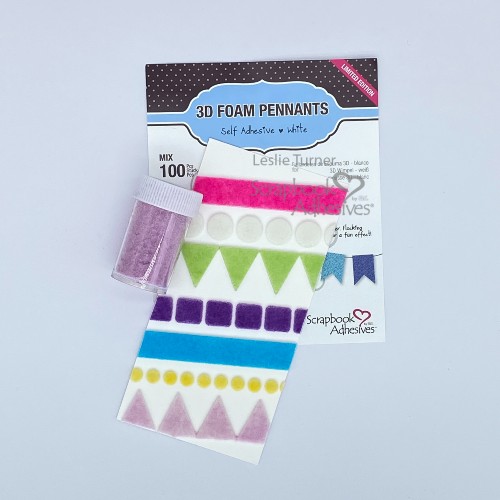
Remove the release paper from your foam shapes. Apply flock to them. Use white flock for a tone-on-tone look. Mix it up by using flocks of different colors.
Add Sparkle with Metallic Transfer Foil
Want to add a little sparkle to your cards? Apply some dots to them, along the edge of the cards. Place some Metallic Transfer Foil on top with the pretty side facing up. Rub the foil until the dots are completely covered with it.
By the way, I added foil to one of the cards I shared today and I didn’t like the look. To cover it up, I took a premade floral die-cut and placed it over the foil.
I hope you are inspired by today’s post to make some birthday cards of your own! Remember, if you don’t have the supplies I used, it’s OK. Look through your stash for something similar that will work. Also, try using different 3D Foam Products than I did.
Hello, friends! It’s the holiday season and the most wonderful time to add sparkle and shine to your paper crafting! This is Jingle here with you today sharing a fun Christmas Scene Shadow Box Card that is sure to bring that Christmas joy!
Christmas Scene Shadow Box Card Base
Shadow box cards are fun to create because it gives you a bit of dimension that is pretty well protected for traveling through the post! I created the shadow box by die cutting a circle from the front panel and then building my scene on the panel behind it with dimensional pieces.
The sentiment is simply stamped on that front panel before adhering it with two layers of Crafty Foam Tape to really make it POP! I really love this simple design and I hope you give it a try!
Thanks for stopping by today. I hope you have a wonderful Christmas! Jennifer Ingle (aka Jingle)
Happy Holidays! Ali (FunAdventuresWithAli) here today and I’m so excited to share a festive Merry and Bright Lights Layout featuring Doodlebug Design’s “Oh What Fun” Collection, with one of my current crafting obsessions—the Wear Your Adhesive on the Outside technique using Metallic Transfer Foil Sheets Holographic Colors and 3D Foam Squares White Mix.
I have completely fallen in love with this foil, and the holiday season is the perfect time to bring on all the sparkle. The gold foil especially adds such a magical touch and really makes the Christmas lights shine.
Building the Merry & Bright Lights Background
Start with cutting the cut file with white cardstock. I love starting with white because it allows all the colors and textures to really stand out. Once the cut file was ready, I backed each section with the bright, cheerful patterned papers from the 6×8 paper pad, and secure with the E-Z Runner® Permanent Strips Dispenser.
Accenting with the Wear Your Adhesive on the Outside Technique
This step not only completed the look of the Christmas lights but also added beautiful dimension, making the lights pop right off the page. The combination of color, shine, and height really brings the whole layout to life.
Mat the Photo
For my photo, I double-matted one of my favorite pictures from last Christmas—me standing in a tunnel of Christmas lights, surrounded by my favorite color of the season. I love how the photo ties in perfectly with the theme of the layout and complements the bright, festive colors of the collection. I sprinkled some enamel dots in between the lights to fill in the white space.
Once everything came together, I couldn’t be happier with the final result. The mix of patterns, colors, and that gorgeous gold foil creates so much visual interest and festive cheer. This layout truly sparkles and feels full of holiday joy—it’s definitely lit!
Thank you so much for stopping by today. I hope this layout inspires you to add a little foil, dimension, and extra sparkle to your holiday projects. Wishing everyone a very Merry Christmas and a joyful holiday season! 🎄✨
Hi everyone, Yvonne here with a traditional looking Dimensional Christmas Tree Card. This card is all about layering and making the Christmas tree more realistic.
I know it might look complicated to create, but I can assure you it isn’t at all. I also added a technique called Wear Your Adhesive on the Outside to customize my embellishment with adhesives…can you guess which one? Curious? Well…let’s get crafty!
Dimensional Christmas Tree Panel
Trim a piece of kraft cardstock to a rectangular size panel. Designer’s Tip: For interest, I cut the panel slightly larger than the background stamp so I can add a ruler stamp design all around the background stamp. In other words, create a background you like by adding another design 🙂 Stamp both the pine background and ruler design with black ink for consistency.
Assemble the Panels and Card Base
To create the card base of the Dimensional Christmas Tree Card, I matted the stamped card panel to a red panel for a pop of color before adhering to a white card base using the E-Z Runner® Permanent Strips Refillable Dispenser.
Build the Christmas Tree
Die-cut the tree layers from green cardstock and ink the edges with a slightly different shade of green. For dimension, curl the lower parts of the tree layers and secure onto the card front with the E-Z Runner® Petite Permanent Dots Refillable Dispenser.
Wear Your Adhesive on the Outside with 3D Foam Circles + Glitter
To create the ornaments, I will use the Wear Your Adhesive on the Outside technique using some 3D Foam Circles White Mix and red glitter. This technique brings the adhesive from under the layers to the front as customized embellishments 🙂 And it’s simple! Once the ornaments are placed on the tree, remove the top liner, cover with glitter and press into the foam to secure. Tap off the excess and done!
To finish trimming the tree, I wrapped some gold twine around the tree and adhered the ends using 3D Foam Squares White Mix. Then added more to be back of the tree and centered it to the card front.
Add the Sentiment
For the sentiment, I used a sticker that I matted on a red cardstock strip and placed it at the bottom of the tree using 3D Foam Squares White Mix.
And voilá, the Dimensional Christmas Tree Card is finished! It wasn’t that complicated at all, was it? Wishing you happy holiday crafting!
Other: Stamps: Stampers Anonymous (Winter Woodlands Stamp by Tim Holtz®); Craft Dies: Sizzix® (Trim a Tree Colorize® Thinlits™ by Tim Holtz®); Die-Cutting and Embossing Machine: Spellbinders Paper Arts® (Platinum 6 Machine); Ink: Ranger Ink (Archival ink in Jet Black and Distress Oxide in Forest Moss); Sentiment Sticker: idea-lology® (Label Stickers – Christmas by Tim Holtz®); Gold Twine; Red Glitter; White, Red and Kraft, Green Cardstock; Paper Trimmer; Scissors